
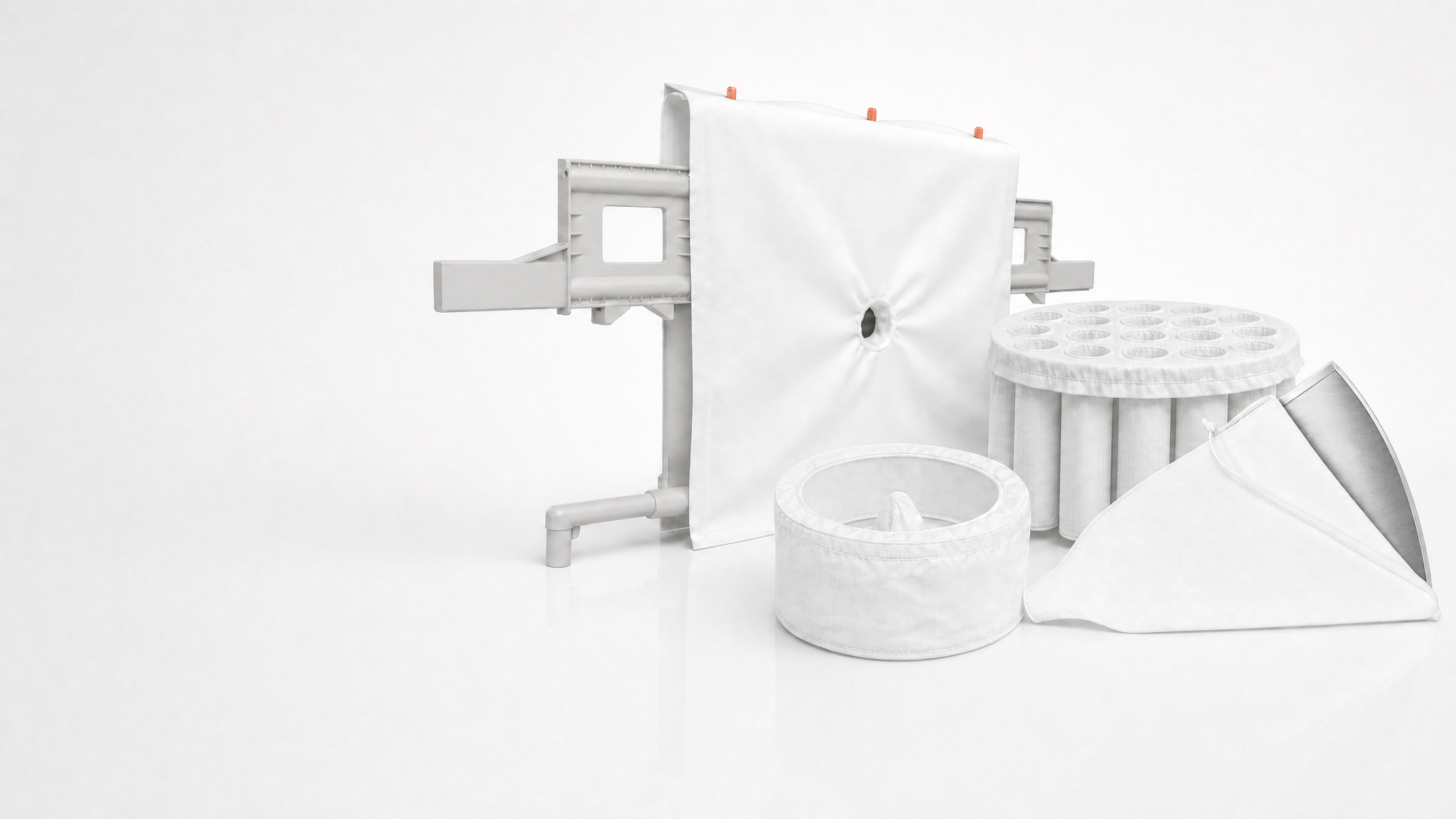
When product starts escaping through your fluid bed dryer filter bags, you usually see it first as dust in the exhaust, yield loss at discharge, or contamination around the bag area. The good news: most pass-through issues come down to a few fixable causes — the wrong pore size, damaged fabric, or poor sealing at the bag-to-plate interface.
🔑 Key Takeaways
- Product loss in a fluid bed dryer is often a fabric selection or installation issue, not a process failure.
- Wrong pore size can let fines escape, while fabric damage creates local leaks.
- Poor sealing around the bag edge or clamp zone can bypass even the best filter media.
- Using the right RF-FBD Series fluid bed dryer filter bags helps reduce pass-through and stabilize operation.
⚙️ What Product Loss Looks Like in Daily Operation
As an operator, product loss is usually visible before anyone calls it by name. You may find more powder in the outlet duct, a growing dust load in downstream filters, or lower batch yield than expected. In severe cases, fines can become a housekeeping issue and a quality risk.
If you run a fluid bed dryer, the filter bag is doing a critical job: it keeps product in the process while allowing air to pass through. That balance only works if the fabric, fit, and sealing are correct for your product size distribution and operating conditions.
💡 Tip: If the product loss appears only at higher airflow or during the final drying phase, check the bag fit and sealing first before changing process settings.
🔬 Root Cause 1: The Pore Size Is Too Open
The most common reason for pass-through is simply that the fabric is too open for the product. If the pores are larger than the fines fraction, particles will migrate through the media — especially when the batch is dry and light.
This is where fabric selection matters. A media that works well in one dryer may fail in another if the particle size distribution, humidity, or airflow pattern differs. In practice, this is why the RF-FBD Series is specified to match dryer operating conditions rather than chosen by material name alone.
| Issue | Typical Symptom | Operator Action |
|---|---|---|
| Wrong pore size | Fine dust in exhaust or product loss over time | Switch to a tighter, process-matched fabric |
| Fabric damage | Sudden localized leakage | Inspect for wear, abrasion, and seam failure |
| Poor sealing | Bypass around the edge or clamp area | Check seating, clamp condition, and installation |
How to verify pore size problems
- Compare dust levels before and after a batch change.
- Check whether the loss is uniform or concentrated in one chamber.
- Review the product PSD and note how much fines are present.
- Ask whether the loss appears after process adjustments, such as higher airflow.
Rule of thumb: If the product is valuable and the fines fraction is high, start with a tighter, application-specific fabric rather than trying to “compensate” with process settings.
🛠️ Root Cause 2: Fabric Damage or Wear
Even a correctly specified filter bag will pass product if the media is damaged. Common damage points include fold lines, abrasion zones, seam areas, and spots where the bag rubs against metal components. Over time, thermal cycling and repeated cleaning can weaken the structure.
For this reason, operators should inspect bags as part of routine maintenance, not just after a failure. In plants handling abrasive powders or frequent batch changes, a damaged bag may be the hidden cause behind a slow increase in product loss.
⚠️ Caution: Do not keep running with visible tears, open seams, or frayed edges. Product pass-through can accelerate quickly and contaminate downstream equipment.
Isolate the dryer and allow the unit to cool before opening the filter section.
Look for pinholes, abrasion, seam damage, and hardening from heat exposure.
Match replacement bags to the same specification to keep airflow and capture consistent.
If your site also runs other solid-liquid equipment, the same logic applies: fabric integrity is just as important in a filter press or a centrifuge, even though the mechanics differ.
💡 Root Cause 3: Poor Sealing at the Bag Interface
Many operators focus on the fabric itself and overlook the edge seal. But if the bag is not seated properly, air and product can bypass the media entirely. Loose clamps, worn gaskets, distorted frames, or incorrect installation tension can all create a leak path.
This is also why it helps to use a purpose-built solution like the RF-FBD Series fluid bed dryer filter bags, which are designed for reliable fit and repeatable installation in dryer service.
📋 Pre-Start Checklist for Bag Sealing
- Bag edge is fully seated in the groove or clamp zone
- Clamp hardware is tight and undamaged
- No wrinkles or twists at the sealing line
- Gasket or sealing surface is clean
- Frame and support parts are not distorted
📊 How to Reduce Product Loss in Practice
The best results usually come from combining the right fabric with good maintenance discipline. Start by matching the media to the product, then make sure the bag is installed correctly, and finally monitor wear over time.
Recommended operator approach
- Use a process-matched fabric instead of a generic standard bag.
- Inspect bags after each campaign if the product is abrasive or sticky.
- Replace worn sealing components before they start bypassing product.
- Document airflow, temperature, and product behavior when a loss event occurs.
💡 Tip: If you are unsure whether the issue is the fabric or the installation, use our find and configure the right filter fabric with our Solution Finder to select the machine, enter your process details, and receive a pre-filled, non-binding inquiry.
✅ Choosing the Right RF-FBD Solution
For operators, the goal is not just to stop product loss once — it is to keep the dryer stable from batch to batch. The RF-FBD Series helps you do that by aligning the fabric with the dryer’s air handling, temperature, and product characteristics. If your process involves sensitive or fine powders, you should also review related issues like filter cloth clogging and short filter lifespan, since both can lead to higher loss risk over time.
For broader process planning, R+F also supports applications in pharmaceutical production, chemical processing, and cement and bulk solids, where controlled separation and low emissions are equally important.
When the root cause is unclear, do not guess based on visual inspection alone. A structured selection step saves time, avoids repeated bag changes, and protects product yield.
📩 Need Help Choosing the Right Fabric?
Our technical team at R+F FilterElements can help you find the perfect filter fabric for your specific application. Get in touch for a free consultation — we will recommend the right solution based on your machine, process, and operating conditions.
Prefer a faster start? Use our Solution Finder to find and configure the right filter fabric online and receive a pre-filled, non-binding specification request for your fluid bed dryer.